
Invoice & Accounting AI Integration Use Case
Automate Data Capture, Reconciliation, and Financial Reporting
Overview
AI invoice processing helps businesses handle invoices faster and with fewer mistakes. Instead of reading and entering data by hand, AI tools do the work in seconds. This saves time, reduces costs, and improves accuracy.
This AI automation use case explains how AI processes invoices from start to finish. It shows how the system reads files, checks data, and sends it for approval. The goal is simple. Make invoice handling quick, easy, and reliable.
The Problem
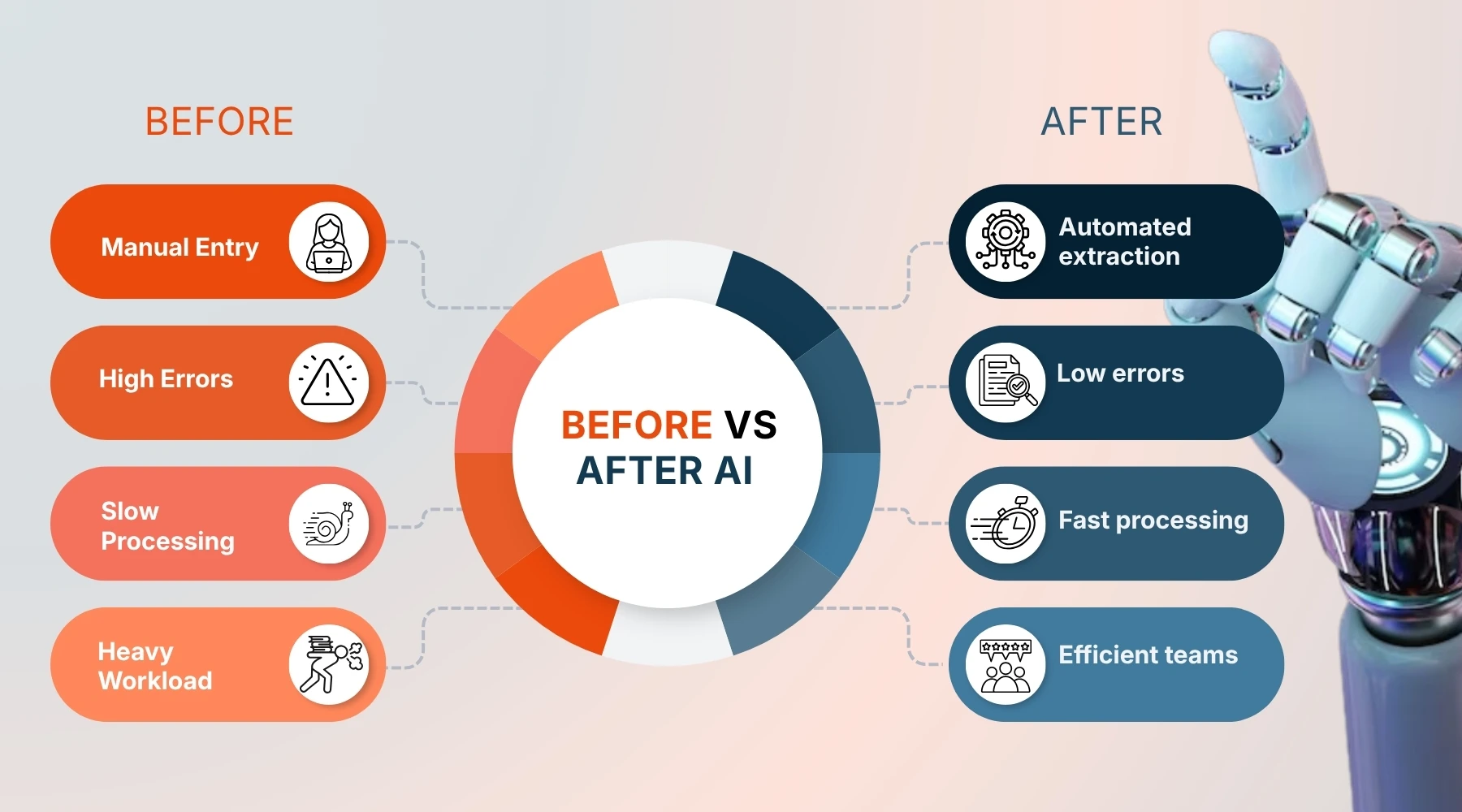
Many companies still rely on manual invoice processing, and this creates a slow and stressful workflow for finance teams. Every invoice must be opened, reviewed, and entered into a system by hand. This takes time, especially when invoices come in different formats such as PDFs, scanned images, or even photos. Each format requires extra effort to read and understand, which increases the chances of delay.
Human error is another major issue. When data is entered manually, small mistakes can happen easily. A single wrong digit in an amount or invoice number can cause payment issues, accounting mismatches, or reporting errors. These mistakes often take more time to fix than they did to create, which adds to the overall workload.
As the volume of invoices grows, the problem becomes harder to manage. Finance teams may struggle to keep up with incoming invoices, especially during busy periods like month end or quarter close. This leads to backlogs where invoices sit unprocessed for days or even weeks. Delayed processing can result in late payments, missed discounts, and strained relationships with vendors.
There is also a lack of visibility in manual systems. It is often difficult to track where an invoice is in the process. Team members may need to send emails or check multiple systems to find updates. This lack of clarity can slow down approvals and create confusion across departments.
Over time, these issues increase operational costs and reduce efficiency. Skilled employees spend a large part of their day on repetitive tasks instead of focusing on analysis, planning, or strategy. This limits the overall growth and performance of the finance function.
The AI Solution
AI invoice processing transforms a manual and time-consuming workflow into a fast and intelligent system. It handles each step with precision, from the moment an invoice is received to the point where it is approved and stored. The process is designed to reduce human effort while improving speed and accuracy across the entire workflow.
Trigger
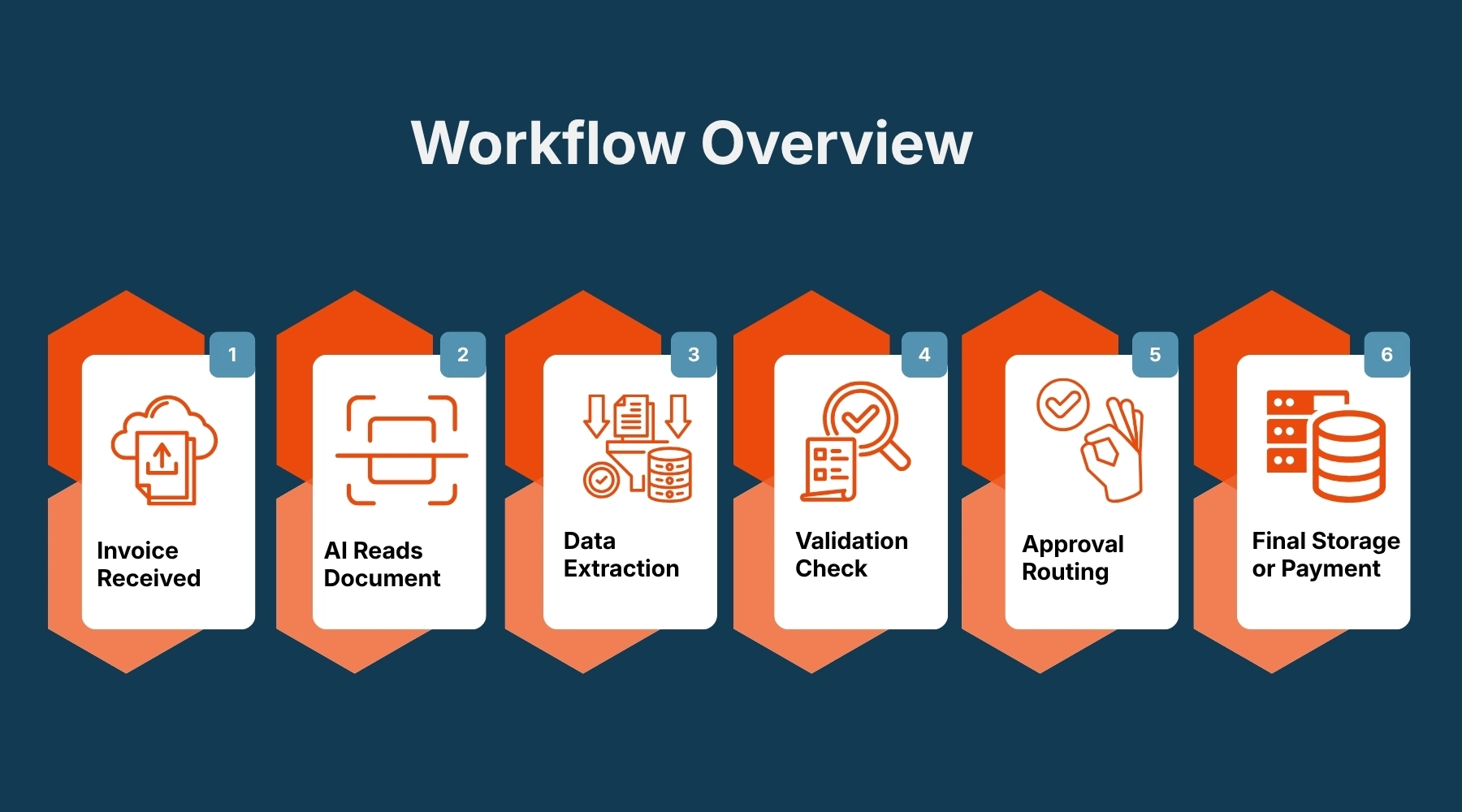
An invoice arrives by email or is uploaded into the system.
This can be a PDF, image, or scanned document.
AI Action
- Reads the invoice
AI uses Optical Character Recognition to read the file. It can understand text even from scanned images. - Extracts key data
The system pulls important details such as:- Vendor name
- Invoice number
- Date
- Line items
- Total amount
- Checks fields for accuracy
AI validates the data by:- Matching vendor records
- Checking totals and tax values
- Flagging missing or incorrect fields
- Routes for approval
Once verified, the invoice is sent to the right person or system for approval.
Workflow Overview
Before vs After AI
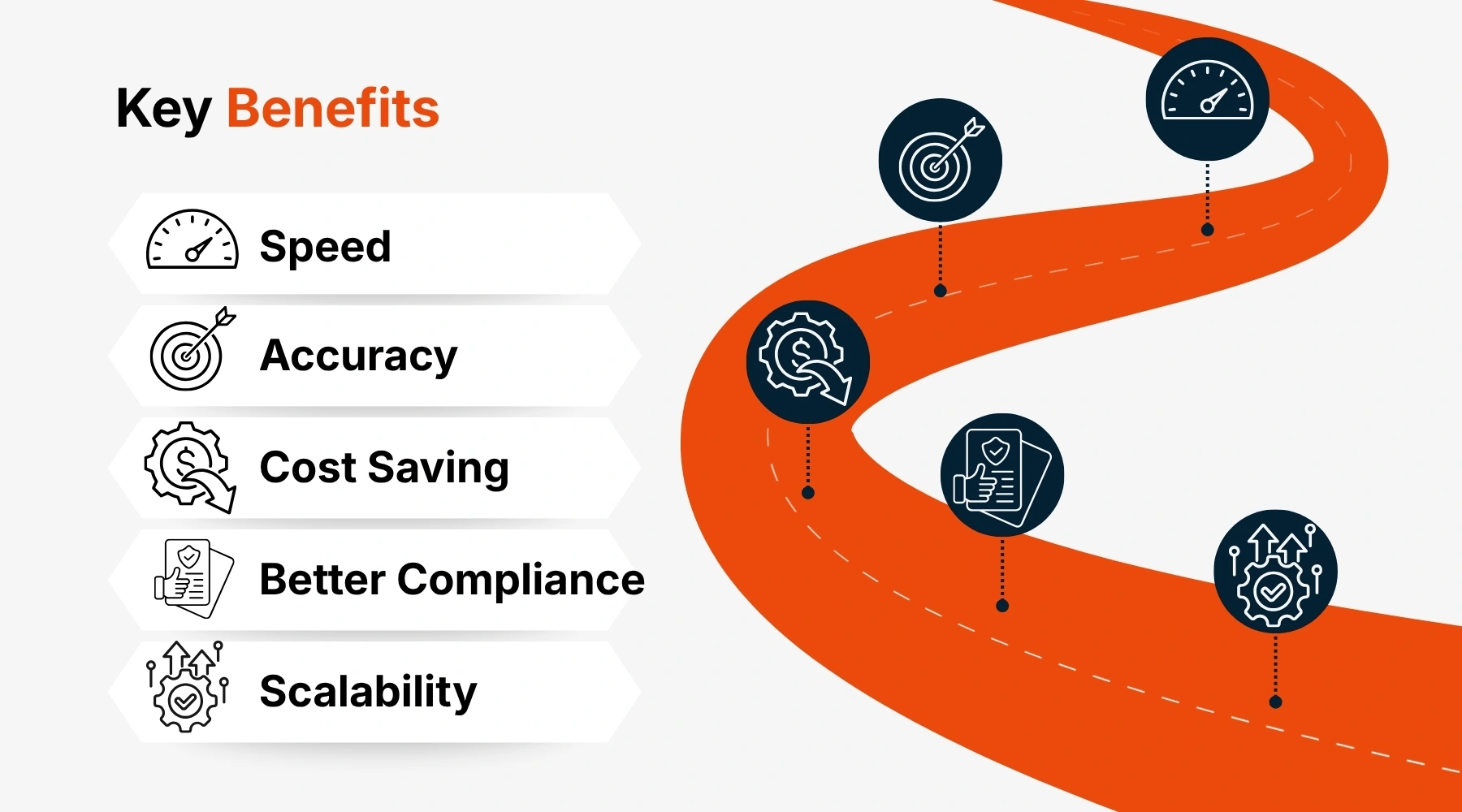
Key Benefits
Why Trust This Approach
AI invoice processing is built on proven technologies that have been tested and improved over many years. Tools like Optical Character Recognition and machine learning are already used in banking, healthcare, and large enterprise systems where accuracy and reliability are critical. These technologies are not new or experimental. They have a strong track record of handling complex data and large volumes of documents with consistent results.
One reason businesses trust this approach is the level of accuracy it can achieve. The system does not get tired or distracted, which means it can process invoices with the same level of attention every time. It also learns from past data. As more invoices are processed, the AI becomes better at recognizing formats, detecting patterns, and improving its performance. This continuous learning makes the system more reliable over time.
Another important factor is transparency. AI invoice processing systems keep a clear record of every step. Each action is logged, from data extraction to validation and approval. This creates a full audit trail that can be reviewed at any time. For finance teams, this level of control is very important. It helps with compliance, internal checks, and external audits.
Security is also a key reason to trust this approach. Modern AI systems follow strict data protection standards. Sensitive financial information is handled with care, and access can be controlled based on roles and permissions. This ensures that only the right people can view or edit important data.
In addition, many AI invoice processing solutions are designed to integrate with existing systems such as ERP and accounting software. This means businesses do not have to replace their current tools. Instead, they can enhance them with AI capabilities. This reduces risk and makes adoption easier.
Finally, this approach is supported by real world results. Many companies across industries have already adopted AI invoice processing and seen clear improvements in speed, accuracy, and efficiency. These results build confidence and show that the technology delivers real value.
Conclusion
AI invoice processing is changing the way businesses handle one of their most important financial tasks. What was once a slow and manual process can now be completed quickly and with a high level of accuracy. This shift allows companies to operate more efficiently and respond faster to their financial needs.
By automating invoice processing, businesses remove a major source of delay and error. Invoices no longer sit in queues waiting to be entered or approved. Instead, they move smoothly through a structured system that handles each step with care. This creates a more reliable workflow that teams can depend on every day.
The impact goes beyond just saving time. It improves the overall quality of financial data, which is essential for reporting and decision-making. When data is accurate and up to date, leaders can make better choices with confidence. This supports growth and helps businesses stay competitive in a fast-moving environment.
It also changes the role of finance teams in a positive way. Instead of focusing on repetitive tasks, they can spend more time on analysis, planning, and strategy. This not only improves productivity but also adds more value to the organization.
As businesses continue to grow, the need for scalable solutions becomes more important. AI invoice processing provides a strong foundation that can handle increasing workloads without adding complexity. It supports expansion while maintaining control and efficiency.
In simple terms, AI invoice processing is not just a tool. It is a smarter way of working. It helps businesses move faster, reduce errors, and build stronger financial operations for the future.