Speed Meets Strategy
Results Follow
Alpha Digital is a Full Services Digital Marketing Agency which combines lightning-fast execution with strategic depth to deliver results that keep your business ahead.
Digital Marketing Agency That Grow Your Business
We build SEO, websites, and AI tools that bring you more traffic, leads, and sales.

Web Design
We build fast, modern web designs that match your brand and work smoothly on all devices, from custom sites to full ecommerce platforms.
GEO
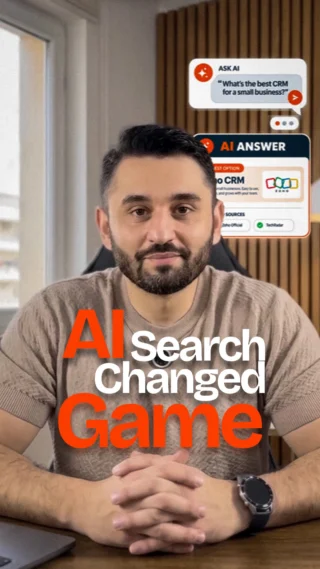
We optimize your content for AI search engines so your brand earns visibility, trusted citations, and growth through generative search results.

SEO
We improve your Google rankings with smart keywords, clean fixes, strong content, and quality links to bring in steady traffic.

Branding
We design strong brand identities with logos, visuals, and messages that help your business stand out and connect with customers.

Artificial Intelligence
We build custom AI tools that automate tasks, improve workflows, and help your business work faster and smarter.

Digital Marketing
We create marketing plans that boost traffic and sales through ads, content, design, social media, and data driven insights.
Who we are
We are a digital marketing agency who help brands grow with smart, creative strategies. We focus on SEO, ads, social media, and web development. We treat your brand like our own and aim for long-term success.

5+
Years of Experience

70+
Satisfied Clients

100+
Successful Projects
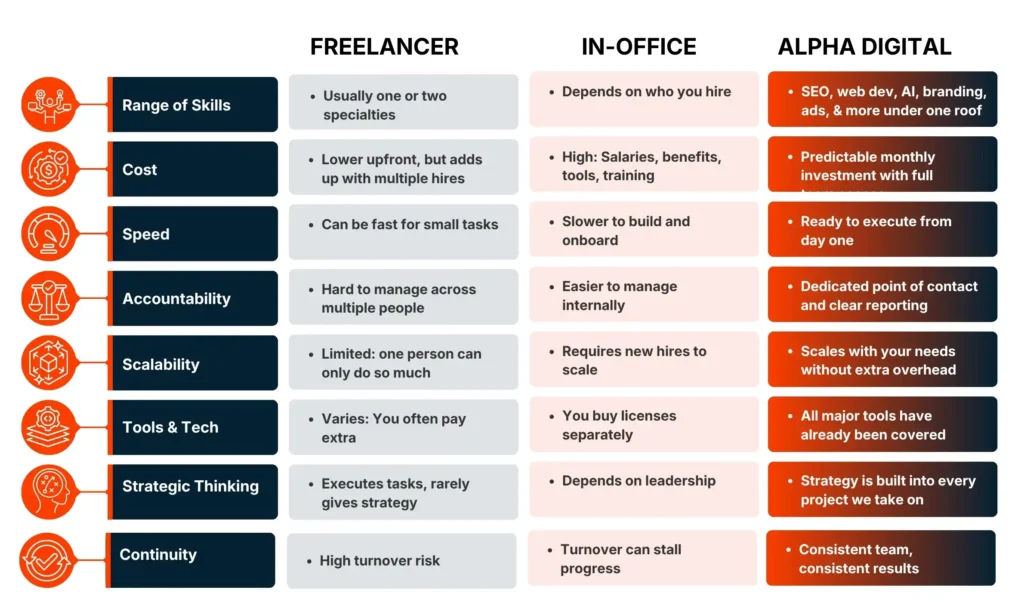
FREELANCER vs. IN-HOUSE TEAM vs. ALPHA DIGITAL
Which Option Actually Gets You Results?
Here is an honest look at your three main options so you can make the right call for your business.
A Freelancer
- One person covering every channel
- Limited availability during busy periods
- No backup if they're unavailable
- Skills usually concentrated in one area
An In-House Team
- Full-time salaries, benefits, and tools
- Months to hire and train a full team
- Harder to scale up or down with needs
- Knowledge gaps as the market shifts
RECOMENDED
Alpha Digital
- One team covering SEO, web, AI, and branding
- Plain-language reporting every month
- No long-term lock-in required
- Strategy connects every channel together
A Freelancer
- One person covering every channel
- Limited availability during busy periods
- No backup if they're unavailable
- Skills usually concentrated in one area
A Freelancer
- One person covering every channel
- Limited availability during busy periods
- No backup if they're unavailable
- Skills usually concentrated in one area
A Freelancer
- One person covering every channel
- Limited availability during busy periods
- No backup if they're unavailable
- Skills usually concentrated in one area
“Most businesses do not outgrow their freelancers because the freelancer was bad. They outgrow them because one person cannot build an entire digital engine. That is what we are here for.”
Ready to Stop Piecing It Together?
If you are tired of managing multiple vendors or waiting on slow results, let us show you what a focused, experienced team can do for your business.
Portfolio
Portfolio
Portfolio
Portfolio
Portfolio
Portfolio
Portfolio
Portfolio
Branding
Web Development
Mobile Development
SEO
Performance Marketing
AI

Rayseen is a contemporary fashion brand offering stylish and refined apparel through its online store.
Acrónimo is a premium spirits brand that blends craftsmanship with a bold, modern identity.

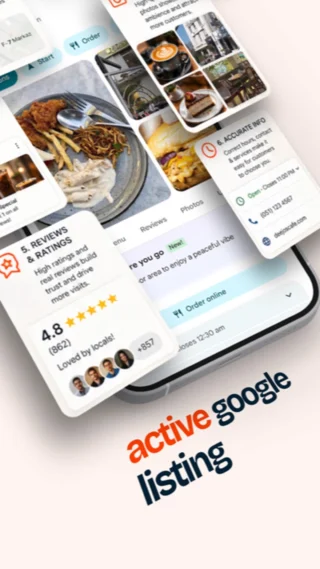
Deejo’s Cafe is a cozy and vibrant hangout spot known for its flavorful menu and inviting ambiance.
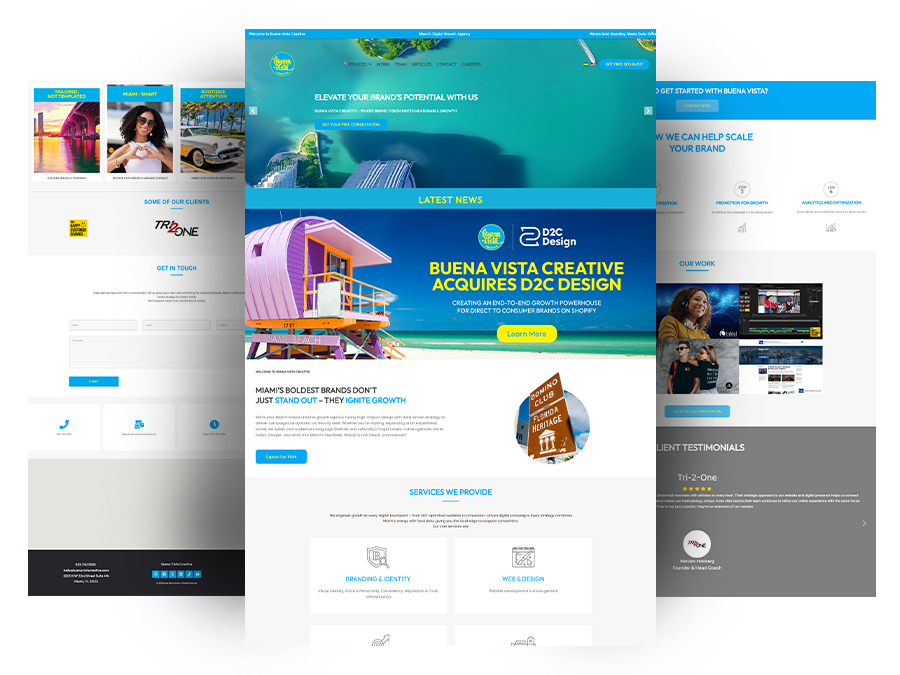
Buena Vista Creative is a storytelling-driven agency offering content production and brand strategy solutions.
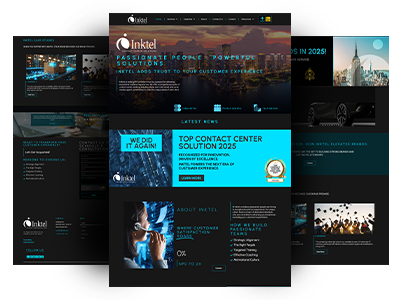
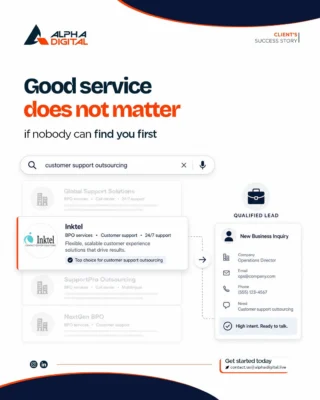
Inktel is a leading customer experience solutions provider, specializing in outsourced services across various industries.
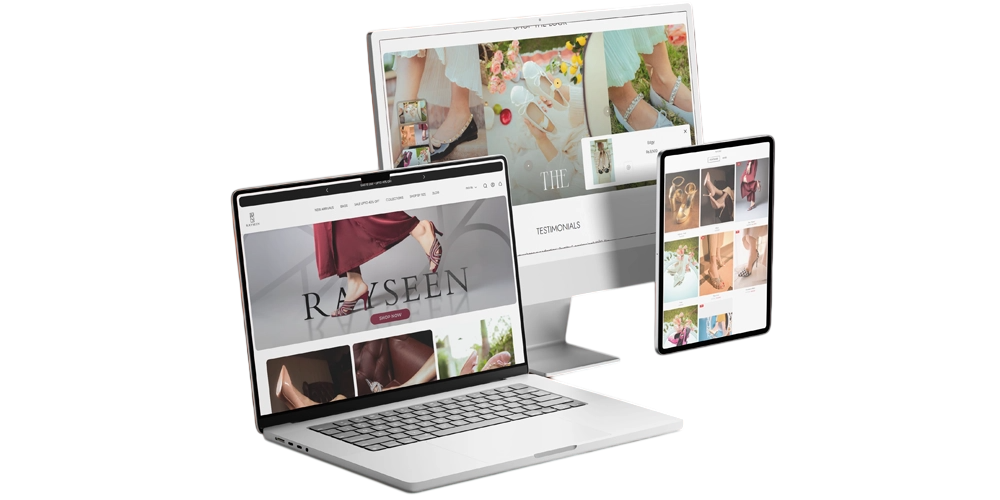
Rayseen is a contemporary fashion brand offering stylish and refined apparel through its online store.
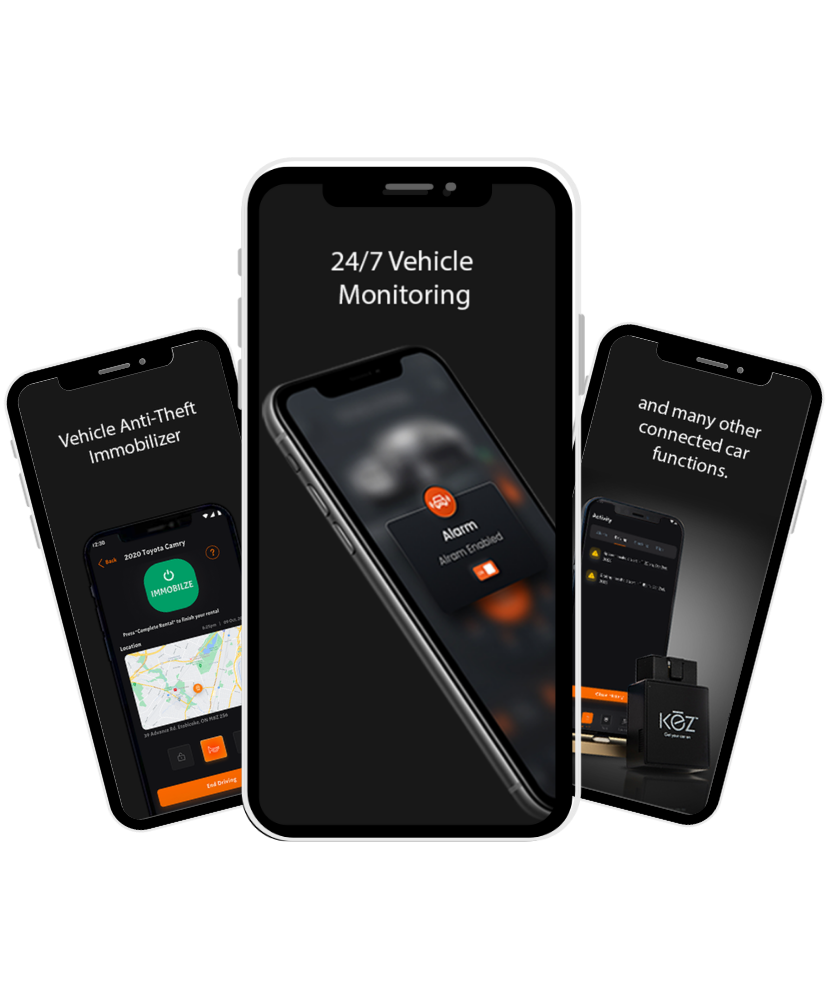
GetKeyFree is a smart rental app that simplifies the property rental process with secure, keyless access solutions.
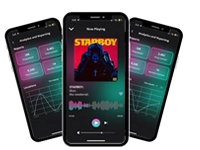
Tunefly is a music streaming app designed to offer users a smooth and personalized listening experience.
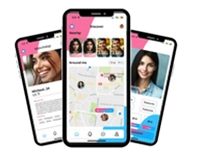
Matchmap is a modern dating app designed to connect singles through meaningful and compatible matches.
Buena Vista Creative is a storytelling-driven agency offering content production and brand strategy solutions.

Inktel is a leading customer experience solutions provider, specializing in outsourced services across various industries.
Rayseen is a contemporary fashion brand offering stylish and refined apparel through its online store.
Buena Vista Creative is a storytelling-driven agency offering content production and brand strategy solutions.
Inktel is a leading customer experience solutions provider, specializing in outsourced services across various industries.
Rayseen is a contemporary fashion brand offering stylish and refined apparel through its online store.

We Have worked with




What People Say About Us








“Working with Alpha Digital helped us improve our marketing flow and creative output. Their ideas were clear, fast, and easy to apply. Our campaigns now look stronger and feel more connected across all channels. They made a real difference in how we show up.”
Leana Garcia
Director of Marketing & Creative Services, Inktel
“Alpha Digital helped us organize our digital marketing and reach the right customers at the right time. Their strategies were simple to follow and brought steady improvement. Our brand now has clearer direction and stronger performance.”
Nelson Flores-Giacometto
Director of Marketing, Gallo
“Alpha Digital helped us grow online with better content, design, and structure. Everything became easier for our users, and our message reached more people. The work they delivered helped us move forward with confidence.”
Joseph Kelly
CEO, Spiritual Guidance
“Alpha Digital’s branding and marketing ideas helped us connect with customers in a more meaningful way. Our online presence improved, our story became clearer, and our sales grew. They helped us build a brand people remember.”
Alessandra Camino
CEO, Acrónimo Spirits
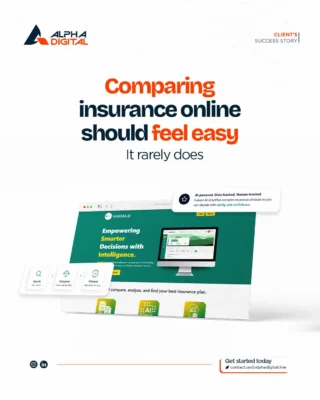
“Alpha Digital helped us turn a simple idea into a powerful AI insurance comparison platform. Users now upload their quotes and instantly get clean charts, summaries, and recommendations. The AI saves us hours of manual work and gives our customers clearer guidance than ever before.”
Mohammad Farah
Hakem.ai
“The AI app Alpha Digital built for us changed everything. We handle huge debt agreements that are hundreds of pages long. The AI now finds key clauses, highlights covenants, and shows page numbers in seconds. What used to take days now takes minutes. It has boosted our accuracy and speed.”
Jeff Wallace
Debt Compliance Services LLC
“Alpha Digital built an AI-powered SMS system that feels like magic. Our customers text a normal number, but every reply comes from AI. It is fast, helpful, and always on. This setup cut response times and made our communication smoother without hiring extra staff.”
James Stayton
Sensible Driver
“Alpha Digital automated our workflow using Zapier and connected everything to Salesforce. Now the system updates client review dates on its own, and our team no longer has to do it by hand. The automation saves time and keeps our CRM clean and accurate.”
Brionne Moss
MossyLand LLC
Industries We Serve

Advertising
Law Firms
Retail
Logistics
Finance

Healthcare

Real Estate
Enterprise
Insurance

Frequently Asked Questions
Alpha Digital builds everything from simple business sites to advanced ecommerce platforms. We focus on speed, clean design, and smooth user experience. Our sites are mobile-friendly, easy to manage, and built to support your long-term growth. We customize every project to match your brand and goals.
A full digital marketing plan usually includes strategy development, paid ad campaigns, social media management, content creation, email marketing, and performance reporting. Rather than offering a fixed package, our digital marketing services are shaped around what your business actually needs right now. Some businesses need heavy content and SEO work, while others need ad management and email flows. We build the mix that fits your stage of growth, then adjust it as your results and goals change over time.
SEO stands for search engine optimization, the process of improving your website so it ranks higher in search results for terms your customers are actually searching. It matters because most people start looking for a product or service on Google before anywhere else. Ranking well means your business shows up at the right moment, without paying for every single click. Over time, strong SEO builds a steady stream of visitors who are already interested in what you offer, which lowers your overall cost of getting new customers.
AEO, or answer engine optimization, focuses on getting your content chosen as the direct answer in voice search results and featured snippets. GEO, or generative engine optimization, focuses on showing up inside AI generated answers from tools like ChatGPT, Perplexity, and Google AI Overviews. Traditional SEO is the foundation both are built on, since clean site structure, clear content, and credible sources still matter most. Think of SEO as ranking on the page, AEO as being the quoted answer, and GEO as being cited by AI tools.
Most businesses start seeing steady improvement within 3 to 6 months, though this shifts based on your competition, industry, and your website’s starting condition. A newer site with technical issues takes longer to gain traction than an established site needing content updates. SEO is a long-term investment rather than a quick fix, but it tends to compound, meaning results keep building even after the initial work is done. We provide regular reporting on rankings, traffic, and leads so progress is never a guessing game.
Startup branding is typically scoped smaller than an enterprise rebrand, focused on the essentials: a logo, a simple brand guide, and core messaging that explains what you do and who you serve. Costs rise with more deliverables, like a full style guide, packaging design, or multiple logo variations. Since startups often need to move fast and stay lean, we usually recommend starting with the core identity pieces first, then expanding the brand system as the business grows and budget allows for more detailed design work.
Branding is who you are: your name, visual identity, and voice. Marketing is how you get that identity in front of people, through ads, content, social media, and campaigns. Think of branding as the foundation and marketing as the delivery system built on top of it. A business can run marketing campaigns without strong branding, but the results usually fall flat since there is no consistent identity for people to remember or trust. Strong marketing performs better when it is built on a clear, well-defined brand.
Cost depends on the size, features, and complexity of the site you need. A simple business website with a handful of pages costs significantly less than a custom ecommerce build with payment processing, inventory management, and third-party integrations. We provide a clear, itemized quote after understanding your specific needs and goals, so there are no surprise costs partway through the project. This also lets you see exactly what you are paying for at each stage.
A small business website can take 2 to 4 weeks from start to launch. Larger sites, ecommerce platforms, or builds with custom functionality take longer depending on the features involved and how many integrations are needed. We follow a structured process with clear milestones and keep you updated at each stage, so you always know where the project stands and there are no unexpected delays near launch.
We do both, depending on what fits your project best. Some businesses benefit from a proven template, which is faster to launch and often more budget-friendly, especially for straightforward business sites. Others need a fully custom build to support unique functionality, branding, or user experience requirements. We recommend the right approach after understanding your goals, timeline, and budget, rather than defaulting to one option regardless of what the project actually calls for.
Yes. We have worked with 70 plus clients across industries including fashion, hospitality, legal, insurance, and fitness, delivering measurable results in search rankings, traffic, and lead generation. Rather than relying on vague claims, we track and report on real numbers like organic traffic growth and search ranking improvements for each client. Check our case studies page for detailed examples showing exactly what we did and the results that followed for businesses similar to yours.
No. We offer both project-based work, for things like a one-time website or MVP build, and monthly retainers for ongoing work like SEO or content. You choose the structure that fits your business rather than being locked into a plan that no longer makes sense. This flexibility means you can start small and scale up as you see results, or scope a single project without committing to ongoing monthly services if that is not what you need.
We work well with small to mid-size businesses and startups that want a full team behind their marketing, product, or automation needs, without the cost of hiring an entire in-house department. This includes businesses juggling multiple freelancers who need everything connected under one strategy, and startups that need to move quickly with limited internal resources. If you are looking for one team to handle strategy, execution, and reporting together, that is where we fit best.
We build on WordPress, Webflow, and fully custom code, choosing the platform based on what fits your project best. WordPress works well for content-heavy sites needing flexibility, Webflow suits design-focused projects needing fast visual control, and custom code fits complex applications with unique functionality. Our web development services page has more detail on our process, past builds, and how we decide which platform is the right fit for your specific needs.
Cost depends on your goals, industry, and how many channels you need running at once. A business focused only on social media management will pay less than one running paid ads, content, and email marketing together. Most plans are billed monthly so you can scale up or down as results come in. We start every project with a conversation about your budget and goals, then build a plan around what will move the needle fastest without wasting spend on channels that will not fit your audience.
Timelines depend on the channel. Paid ads can bring traffic and leads within days of launching, since you are paying for visibility right away. Content marketing and SEO-driven growth build more slowly, usually taking a few months to gain real momentum as your site earns trust with search engines. Email marketing often shows engagement quickly since it reaches an existing audience. We track performance from day one so you can see early signals of what is working, not just a final report months later.
SEO pricing depends on your industry, how competitive your keywords are, and how much technical or content work your site needs. A local business with light competition costs less to optimize than a national brand competing in a crowded market. Most SEO plans are billed monthly since rankings build gradually rather than overnight. The best way to get an accurate number is to start with our free SEO audit, which shows exactly where your site stands before you commit to a plan.
SEO, AEO, and GEO all focus on earning visibility without paying per click, just across different types of search: traditional search rankings, voice and snippet answers, and AI generated responses. PPC, or pay-per-click advertising, is different because you pay every time someone clicks your ad, and traffic stops the moment you stop paying. Most businesses get the best results from a mix of both, using PPC for fast, immediate traffic while SEO, AEO, and GEO build sustainable, long-term visibility that keeps working in the background.
Branding services cover the full identity of your business, including logo design, color palette, typography, and brand messaging. It also includes brand guidelines that keep everything consistent across your website, social media, packaging, and marketing materials. The goal is making sure customers recognize your business instantly and understand what you stand for, whether they see you on Instagram or in a printed brochure. Strong branding also shapes tone of voice, so your writing sounds consistent whether it is a website page or a customer email.
We build custom AI tools including chatbots, workflow automation systems, content assistants, and predictive models tailored to your business. Rather than offering one-size-fits-all software, each tool is designed around a specific task or bottleneck, such as answering customer questions, routing leads, or processing documents. This means the AI actually fits how your team already works instead of forcing a new process on top of it. We handle the build, testing, and integration so the tool works smoothly with the systems you already use daily.
Yes. Beyond the actual build, we help founders identify their core feature set, prioritize what to build first, and avoid scope creep that slows launches down. We also help prepare supporting materials, like product demos and technical documentation, that founders can use in investor conversations. Our goal is making sure the MVP itself tells a clear story about your product’s potential. Learn more about our MVP development process and how we structure early-stage projects.
It helps significantly. A clear brand identity gives your web developer direction on colors, fonts, tone, and overall layout before design work even starts. Without it, websites often go through multiple rounds of revisions as the look shifts partway through the project, which costs time and money. If you are short on time, our branding services can run alongside early web planning so both move forward together, but having at least a basic identity locked in first tends to save everyone time.
AI can take over repetitive, time-consuming tasks like answering common customer questions, sorting incoming leads, updating records, or summarizing long documents. This frees up your team to focus on higher-value work that actually needs human judgment. For many businesses, this means faster response times, fewer manual errors, and lower operating costs over time. AI works best when it is aimed at a clear, specific problem rather than added everywhere at once, which is why we start by identifying the bottlenecks costing you the most time.
Cost depends heavily on complexity. A simple chatbot answering common questions costs far less than a custom automation system connected to your CRM, calendar, and internal databases. Projects that require training on your specific documents or data also add to development time. We scope every project individually based on the actual problem you are solving, rather than quoting a flat rate, so you only pay for the complexity your specific use case actually requires.
Yes. We have built AI chat systems that respond to customer texts automatically, workflow automation connected to tools like Salesforce and Zapier, and custom automation for industries including logistics, legal, and insurance. These tools handle tasks like updating CRM records, reviewing lengthy documents for key details, and managing customer conversations at scale. See our AI solutions page for real examples of what we have built for other businesses in similar situations.
An MVP, or minimum viable product, is a simple, working version of your product built to test your core idea with real users before you invest heavily in a full build. It focuses only on the essential features needed to prove the concept works. This matters because it helps you learn what customers actually want before committing significant time and money to a full product, reducing the risk of building something the market does not need.
Cost depends on the platform, features, and complexity of what you are testing. Since an MVP is intentionally built lean, focusing only on core functionality, it typically costs less than a full product build with every planned feature included. We scope MVP projects around the essential features needed to test your idea, which keeps costs down and gets you to launch faster so you can start gathering real user feedback sooner rather than later.
A project-based plan covers a one-time deliverable with a clear start and end, like building a website, MVP, or brand identity. A monthly retainer covers ongoing work where results build over time, like SEO, content creation, or ad management, since these channels need continuous attention to keep improving. Choosing between the two usually comes down to whether you need something built once or need ongoing management to keep growing month after month.